Published on October 6th, 2026
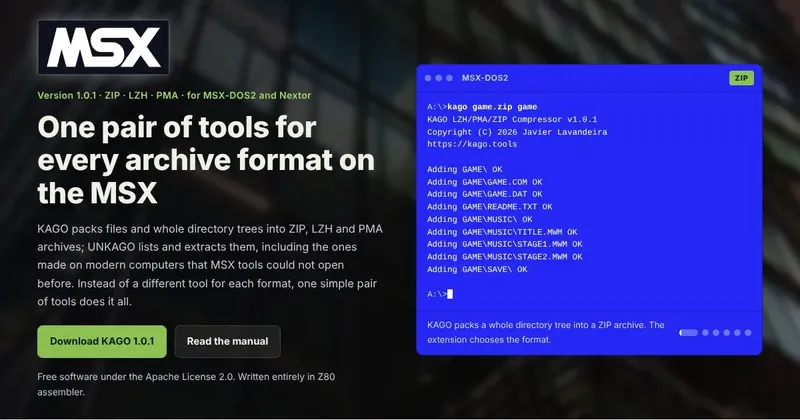
For many years we have been moving files between our PCs/Mac and our MSX computers by removing the memory card from our MSX, putting it in on a card reader on the other computer, extracting ZIP files on the PC, copying them to the memory card, and then back to the MSX. What a pain in the ass. Even more considering that most often this requires turning off the MSX, which is not ideal when you're doing some work on it.
KAGO and UNKAGO are my answer to that. KAGO puts files into an archive; UNKAGO takes them out. Between them they handle ZIP, LZH and PMA, the three formats you're most likely to find on an MSX disk, and they understand directories in both directions.
Thirty years of PMext
For a very long time, the archiver everybody used on the MSX was PMext. It was written for CP/M in 1990 and 1991, and it did its job well: it extracts PMA files and some of the older LZH archives. But it comes from a world without subdirectories, so it simply doesn't know about them.
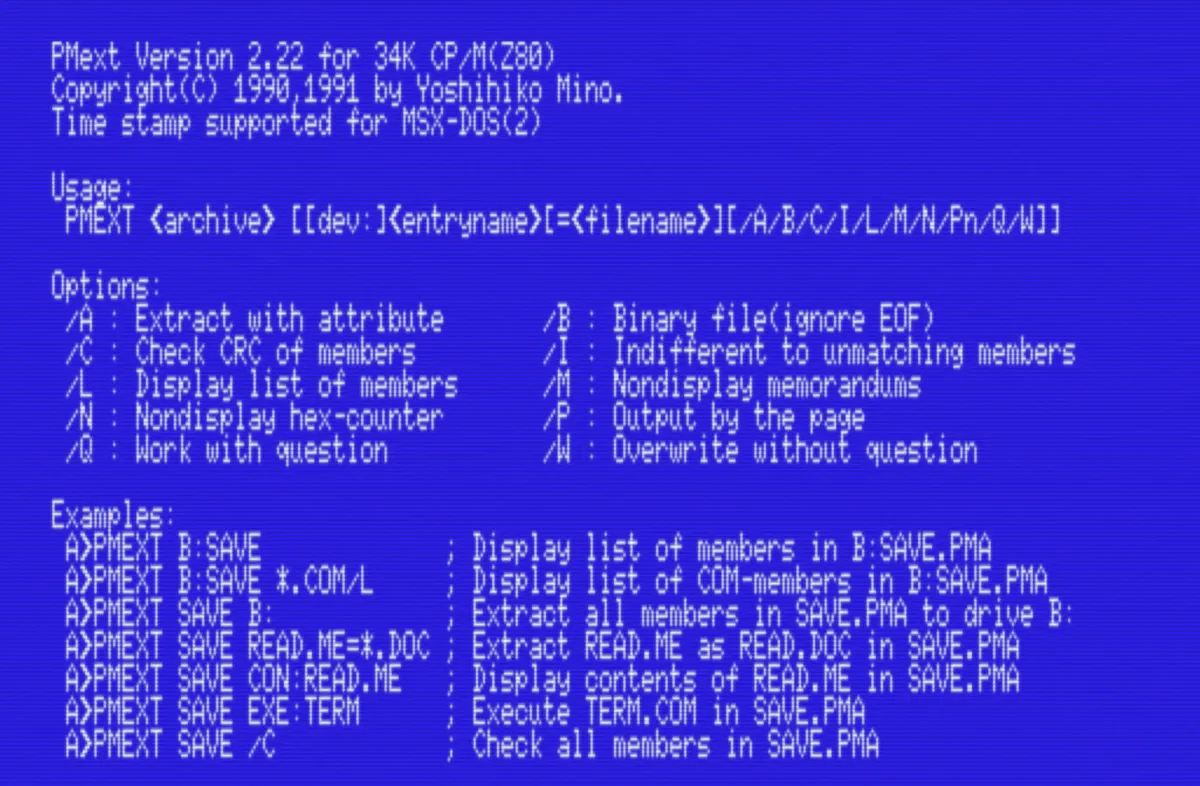
ZIP was worse off. A tool or two could open some ZIP files, partially. Creating one on the MSX wasn't really an option at all.
None of this mattered much in 1991. It matters now, when half of what we want to run on the MSX comes from a modern computer, and goes back to one.
Pack and unpack ZIP (and LZH and PMA) on the MSX
So the main reason behind Kago is convenience. With these two tools you can:
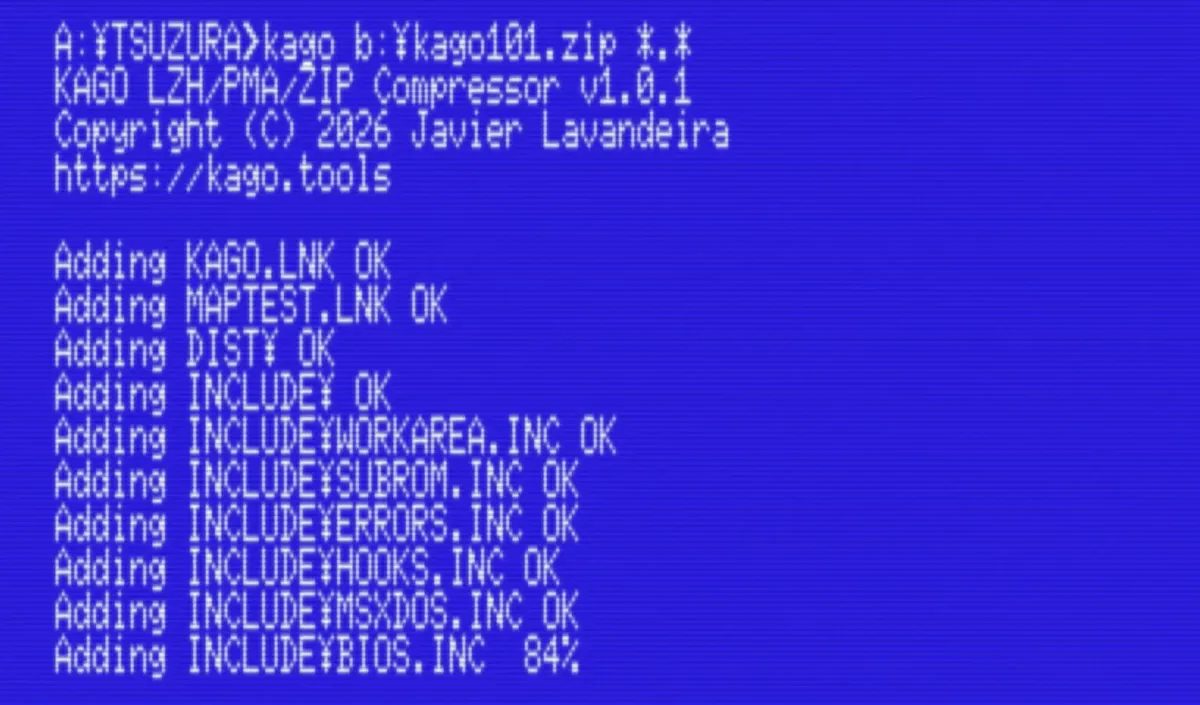
- Pack a whole directory tree into a ZIP file on the MSX, and open it on Windows, macOS or Linux
- Take a ZIP file made on any of those, and extract it on the MSX, subdirectories and all
- Open the -lh6- and -lh7- archives that lha produces today, which older MSX extractors refuse
- Read PMarc archives, including self-extracting .COM files, without having to run them
- Write PMA archives of your own, which PMEXT can still extract
Long filenames from modern systems are shortened to 8.3 the same way Windows does it, so longfilename.txt arrives as LONGFI~1.TXT, and the same archive always produces the same names. Before writing a single byte, UNKAGO checks that the files will fit on the disk and that there's enough memory to unpack them. It never overwrites a file unless you tell it to.
You don't choose the format with a switch, either. KAGO looks at the archive's name, and UNKAGO looks at its contents.
Learning how compression works
Kago was also a learning project. I wanted to know how a decompressor actually works, not just how to call one.
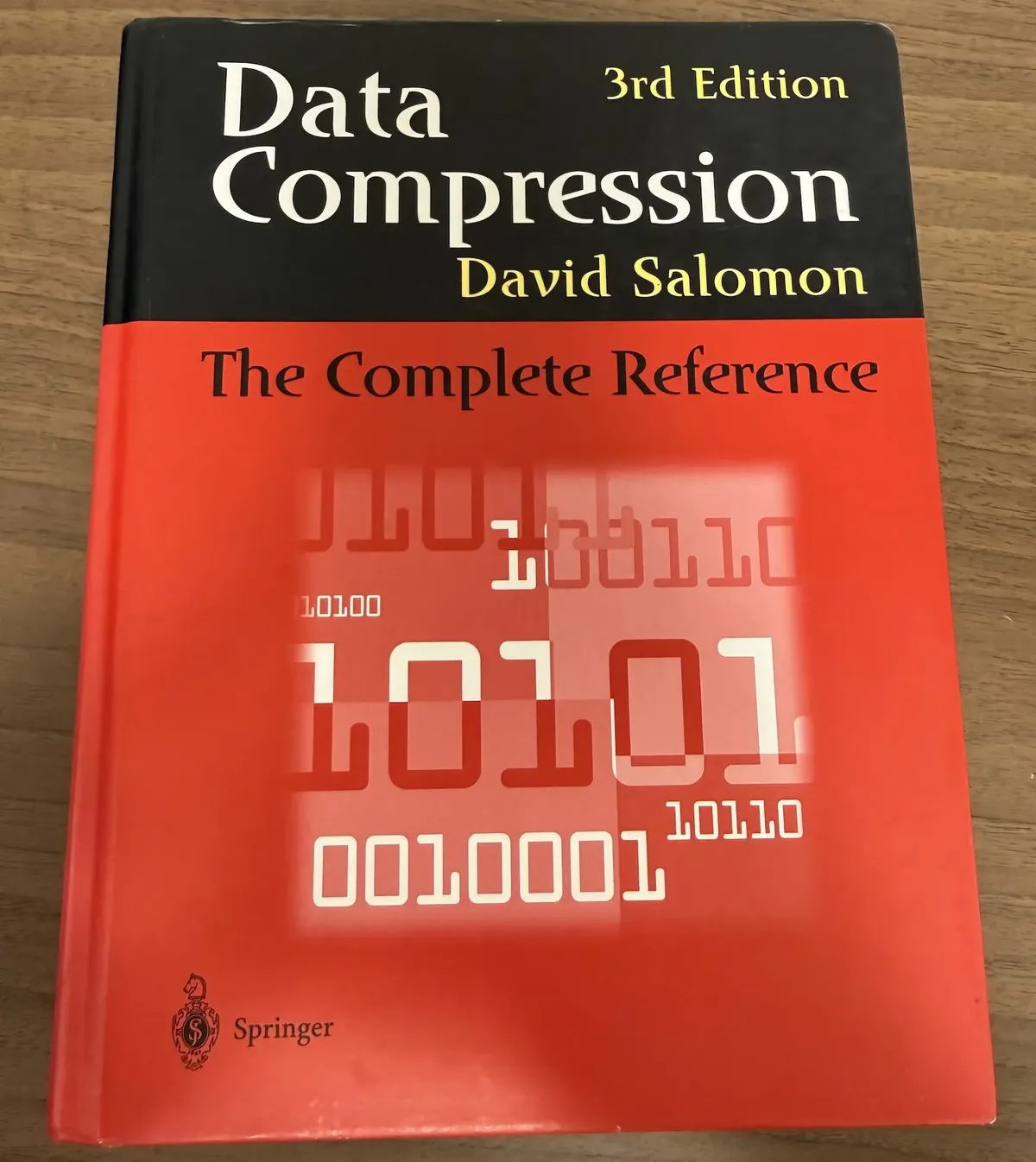
Years ago I bought a used copy of David Salomon's book Data Compression: The Complete Reference, and this was very useful to learn some of the concepts, such as Huffman coding and LZSS, which are basically what LZH is, or the LZ77 algorithm (deflate) used in ZIP.
(Mr. Salomon is also the author of Assemblers and Loaders, which is the book I used to learn some of the concepts I needed for my Tatara assembler)
The hardest constraint was memory. A modern LZH archive can use a 64 KB window, which is more than the program has room for. The windows and tables live in mapper memory instead, through MapperHeap, the same allocator I wrote for Tatara.
Written in Assembler
Both tools are written entirely in Z80 assembler, and were assembled and linked on the MSX with Tatara. This gives them a bit of an edge in speed over other MSX tools.
However, let's be realistic: a 3.58 MHz Z80 is still very slow at compression compared to any modern machine. Packing a large file takes a while, and the MSX turbo R in R800 mode helps a lot. Speed was never the point. The point is that files that used to be out of reach on the MSX are now easy to open, and easy to make.
The name
Kago (籠) is Japanese for a basket, the woven kind that you put things in and take things out of. It seemed like the right name for a pair of tools that do exactly that.
Download
KAGO and UNKAGO are free software under the Apache License 2.0. The two programs, the manual in English and Japanese, and a page of examples showing every command at work.